Downloading TunnelBear for Mac
Your TunnelBear download should start automatically.
If it doesn't, .
64-bit macOS 11.0 and later
Or get TunnelBear for a different device.

 1
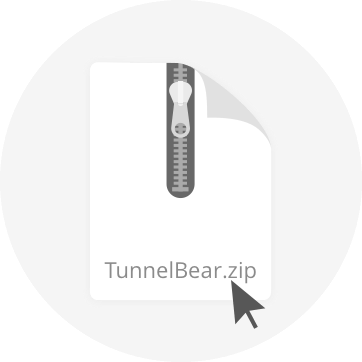
1 Open the file
Double-click the TunnelBear Zip file you downloaded
 2
2 Launch the app
Double-click the TunnelBear icon and select "Move to Applications Folder"
 3
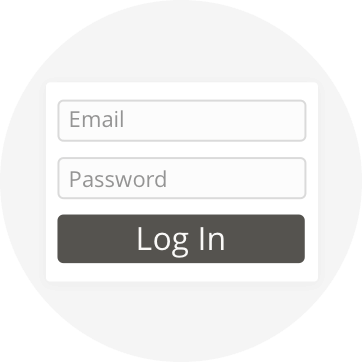
3 Sign up or log in
Follow the on-screen instructions to log in or create an account
 4
4 Start tunneling
Pick a country or select Fastest for the fastest speeds, then toggle the switch ON!
By downloading TunnelBear, you agree to the Terms of Service and Privacy Policy.
Get the Bear Essentials


©2025 TunnelBear LLC.
Grizzly regards from Toronto, Canada

Rawr! We use cookies to help operate our website and make your experience better. By continuing on our site, you're giving us consent to feed your browser cookies. Learn more about how we use cookies.